


Meta’s new headset doesn’t come with controllers. Good.
Meta’s next headset goes on sale in spring 2027 at $1,299.99 (we couldn’t find a UK price), and there’s nothing in the box for you to hold. No controllers, no wrist straps, no batteries to swap. You look at something and pinch your fingers to pick it. For anyone who puts headsets on members of the public for a living, that’s the most interesting decision Meta’s made in years.

What Meta’s actually shipping
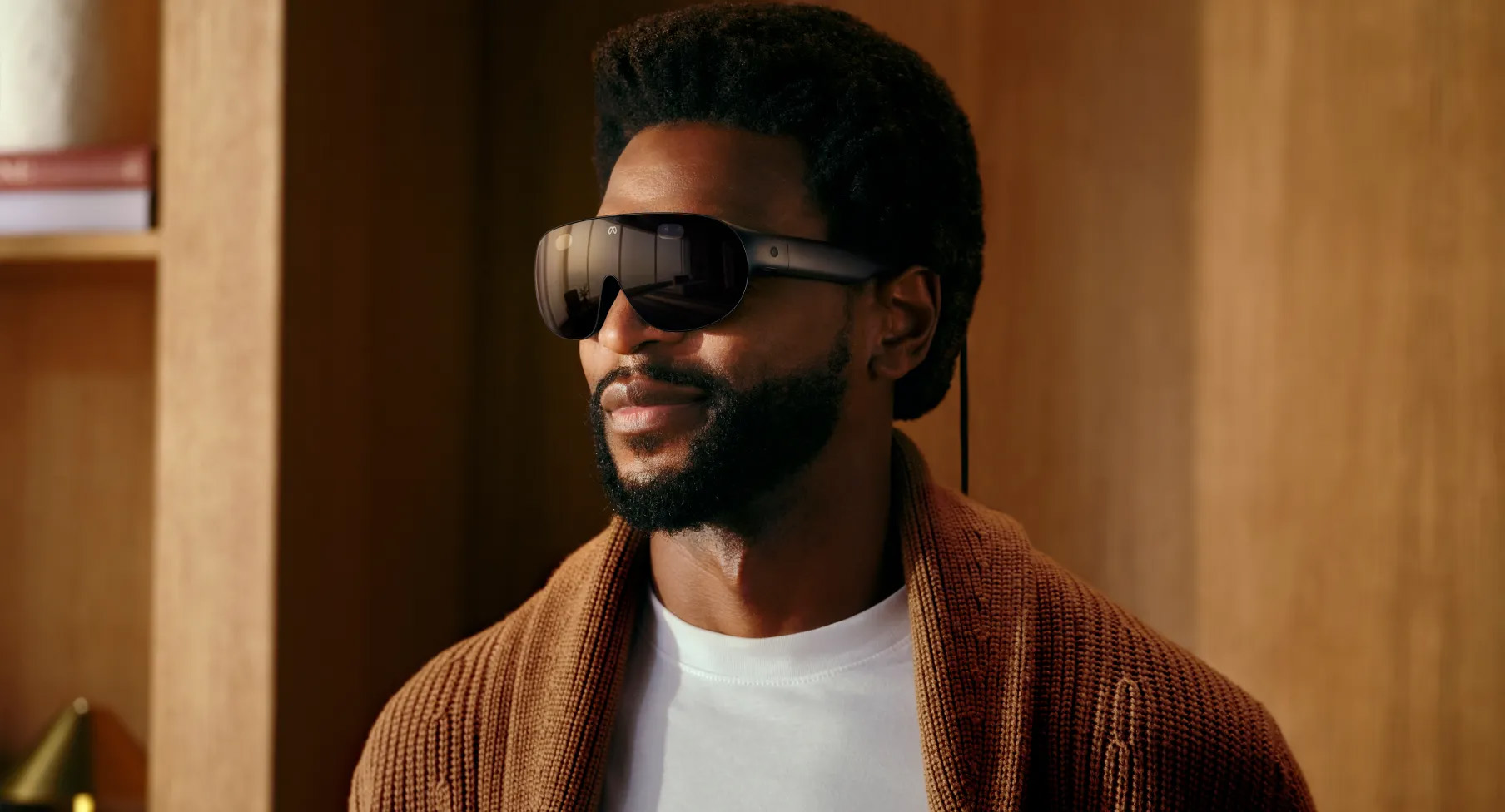
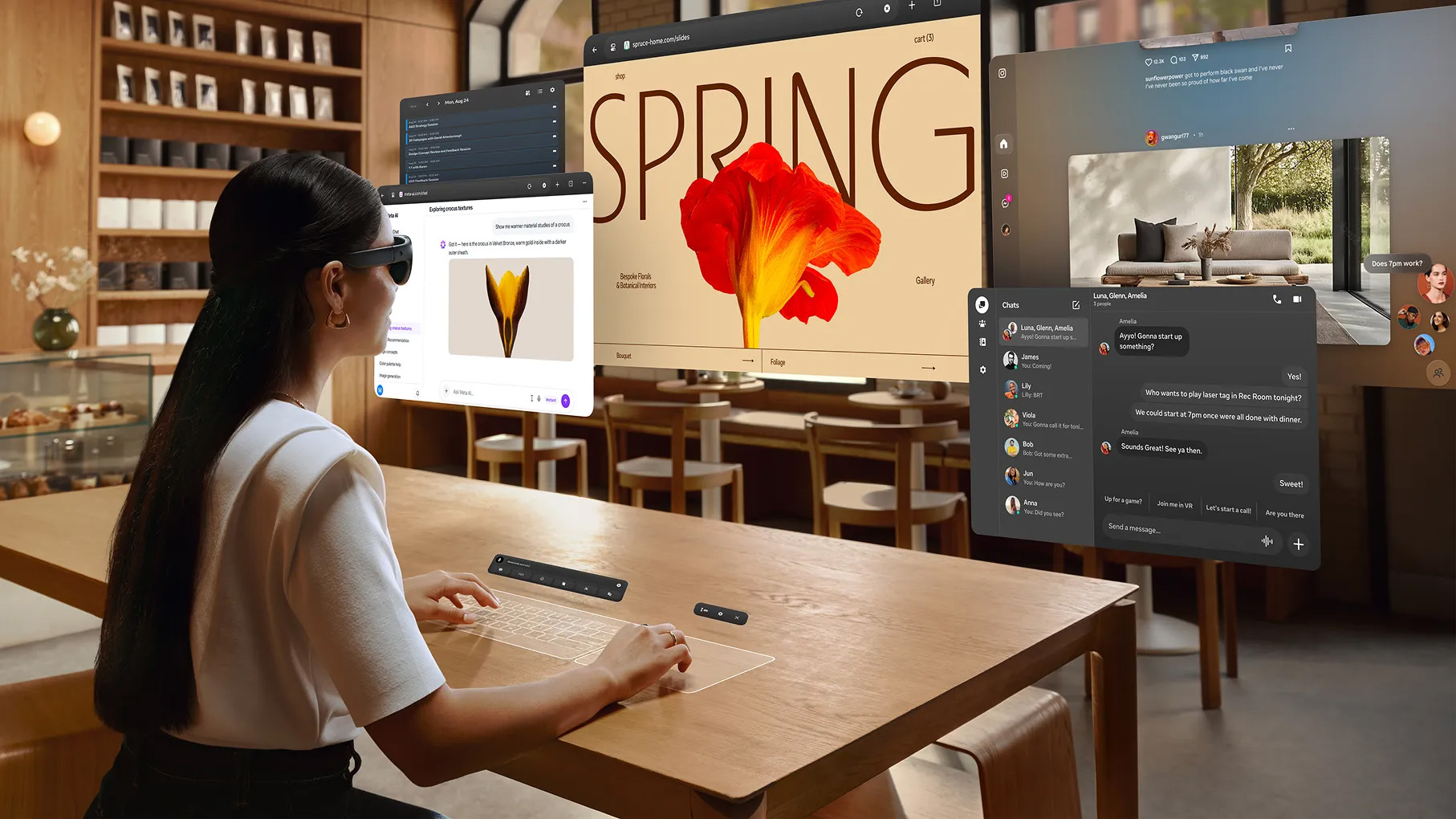
Meta VR Glasses were announced at Connect in September. They weigh about 100 grams on your face, with the processing, battery and storage moved into a puck that sits in your pocket on a cable. Meta says eyes and hands are the default way in, with voice alongside. Touch Plus controllers are sold separately, and the Quest 3 and 3S controllers will pair if you already own them.
On 29 October Meta’s developer blog set out what that means for anyone building for it. The glasses ship “without controllers in the box, with eyes and hands as the default input,” and if studios want controller-less players to use their app, it has to work with eyes, hands or both. The main pattern is gaze and pinch: players look at a target and pinch to select it. Meta says more than 75 games will support hand input at launch. Apps that need controllers will still install, but they won’t play until someone pairs a set.
Meta’s also clear about where hands fall short. Its guidance says controllers are more reliable for fast, precision-critical moments, for pressing several things at once and for anything that happens outside the cameras’ view, like a throw or a golf swing. A pinch lets go when tracking is lost, so designers have to plan for it. And any gesture beyond pinching, grabbing or touching has to be taught.
Why the controller was always the hard part
We’ve stood next to a lot of headsets on brand stands, at launches and in museums. The pattern’s the same nearly everywhere. Someone puts the headset on, and the next two minutes go on the controllers. Which one’s the trigger. Why the grip isn’t the trigger. Why nothing’s happening when they squeeze. Somebody presses every button at once and lands in a menu. Meanwhile the queue is watching and quietly deciding whether they want to be the next person who looks lost.
Most of the public have never played a console game. For a gamer a controller is a second pair of hands. For everyone else it’s an exam you didn’t revise for, taken in front of strangers. And that’s exactly who brands and museums want to reach. So when Meta tells studios to design for eyes and hands first, it’s lowering the bar to entry for the people we most want to get through the door.
There’s an operational win too. Controllers get dropped, get walked off with and run out of battery at the busiest moment of the day. Anyone who’s run a stand knows the drawer of spare AA batteries. Our own VR apps already lean hands-only wherever we can make the interaction work, because the fewer things a guest has to learn, the more of the two minutes they spend on the actual experience.
What hands-only doesn’t fix
But it isn’t automatically inclusive. Look and pinch assumes you can see well enough to aim with your eyes and that you can bring your thumb and finger together on cue. None of the Meta guidance we’ve read mentions people with limited hand movement, tremors or limb differences. For them, a headset with no controllers in the box could be harder to use than one with them.
The fix isn’t to bring the controllers back for everyone. It’s to keep a second route in on the brief from the start. That might be voice, which Meta lists as a default input. It might be a controller kept behind the counter for anyone who’d find it easier, or a member of staff who can drive the experience for a guest. It might just be designing interactions where dwelling your gaze on something works as well as a pinch. None of that is expensive if it’s planned for. It gets expensive when someone turns up at the front of the queue and the only answer is “sorry”.
There are practical limits as well. Meta’s own developers say hands lose to controllers on speed and precision, so anything built around quick reactions, aiming or throwing still needs them. Apps that rely only on 32-bit native code won’t run at all. And at $1,299.99 in the US before prescription inserts or controllers, these aren’t the headsets you buy forty of for a school tour. Quest 3 and 3S remain the realistic fleet for most public projects, and they support hand tracking too.
What this means for brands, museums and venues
If you’re planning anything that puts a headset on the public next year, here’s how we’d approach it.
Design for hands first, on the headsets you can buy now. Quest 3 and 3S support hand tracking today, so a hands-first build will work there and on the glasses when they arrive. Meta even lets developers test gaze interactions on Quest 3.
Keep the gesture vocabulary tiny. Look, pinch, grab, touch. Every extra gesture is something staff have to teach, and teaching is the thing we’re trying to get rid of.
Plan for tracking dropping out. Hands vanish from view when people gesture wildly, turn away or stand in bad light. The experience should pause gracefully and pick up where the guest left off.
Write the second way in into the brief. Voice, a controller on standby, an assisted mode or gaze-only selection. Decide which one before production starts, and test it with real people who’ll need it.
And keep controllers for the moments that need them. A fast-paced game or a sports simulation may still be better with something in your hands. That’s fine, as long as somebody chose it on purpose.
See it in action
We’ve built VR for brand stands, retail spaces and cultural venues, and the experiences that work best with the public are the ones a first-timer can pick up in seconds. Explore our work.
If you’re planning a headset experience for a venue, a stand or a gallery and want it to work for everyone who walks up, we’d love to talk. Get in touch.