

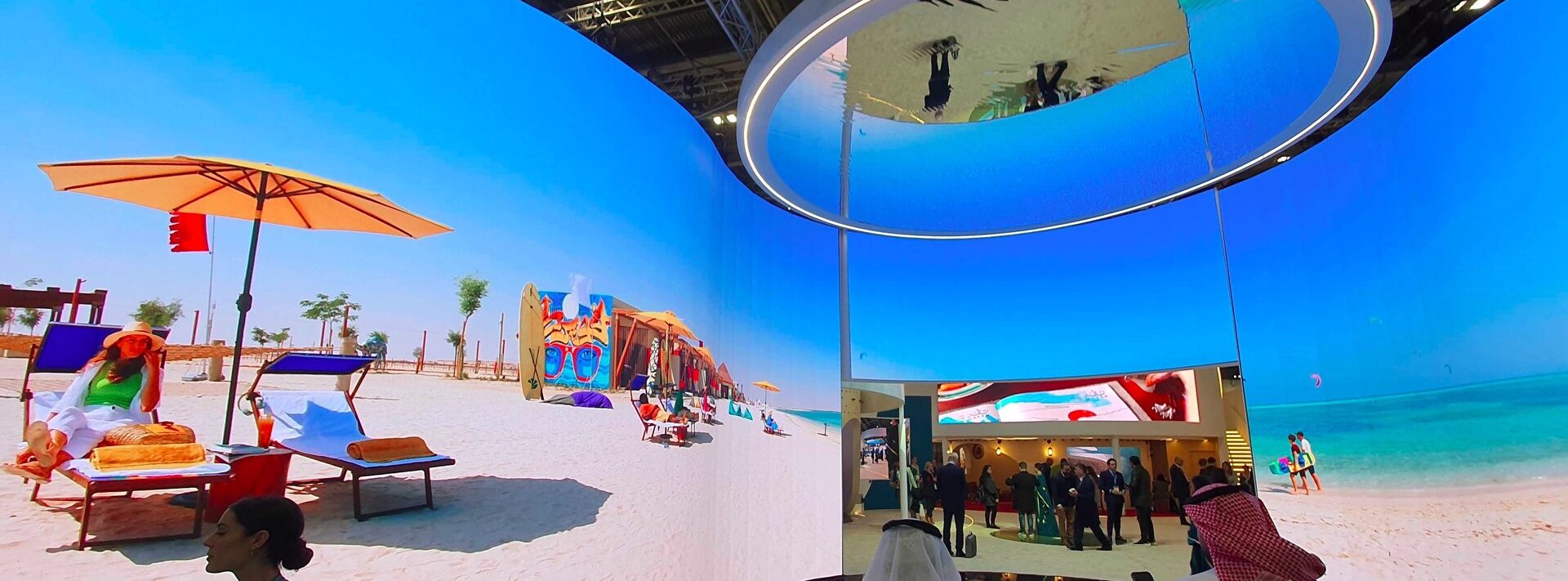
Visit Qatar's walk-in LED room at World Travel Market
360 filming guide · Part 2 of 5
360 for headsets, domes and LED rooms / The screen decides the shoot
The first thing we ask on any 360 job is where people are going to watch it. A headset, a dome, an LED room and YouTube 360 can all play footage from the same camera, but each one wants it shot a little differently. Some of that can be sorted in post-production. A lot of it can't, so it's settled before anyone picks up a camera.
The four places a 360 film usually ends up
A VR headset. One person, completely surrounded, free to look straight up and straight down. It's the most personal of the four and the most immersive. It's also the least forgiving: if anything's uncomfortable or out of place, they'll notice.
A dome. The film is projected overhead, planetarium-style, and a group watches it together. For Travel Nevada, we made a version of our Space Out Nevada film to play in planetariums, and it launched at the Adler Planetarium in Chicago.
An immersive or LED room. Walls, often ceilings and sometimes floors of picture, with people walking about inside it. Outernet, Lightroom, Frameless and Future Stores are all spaces like this. Our walk-in stands for Visit Qatar started with mirrored floors and ceilings, so the picture carried on above and below, and later got LED floors, so visitors looked as if they were standing on water or sand.
YouTube 360 and the web. People drag the picture round on a phone or a laptop. It reaches far more people than the other three put together, but the video gets compressed hard on the way, so some of the fine detail you'd see in a headset gets lost.
Most of our projects end up on more than one of these.
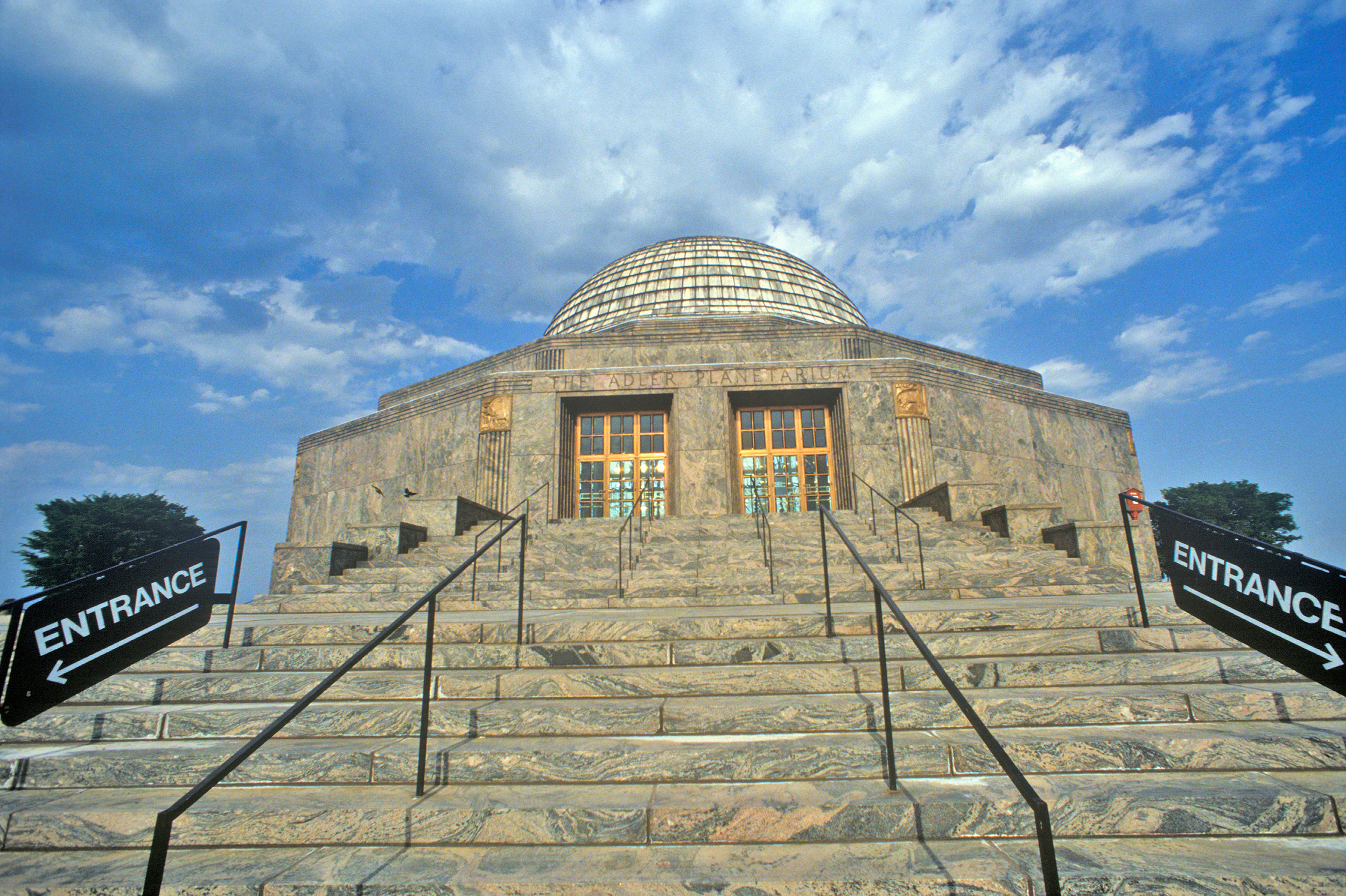
Adler Planetarium, where Travel Nevada VR was launched
Where to put the camera
Our starting point is just below the eye level of the people around the camera.
Then we think about who's watching, because the camera's height becomes the viewer's height. A film for schoolchildren sitting on a classroom floor wants the camera lower than one for people standing at a booth at a trade show. Get that wrong and everyone in the film seems to tower over the viewer, or the viewer seems to float.
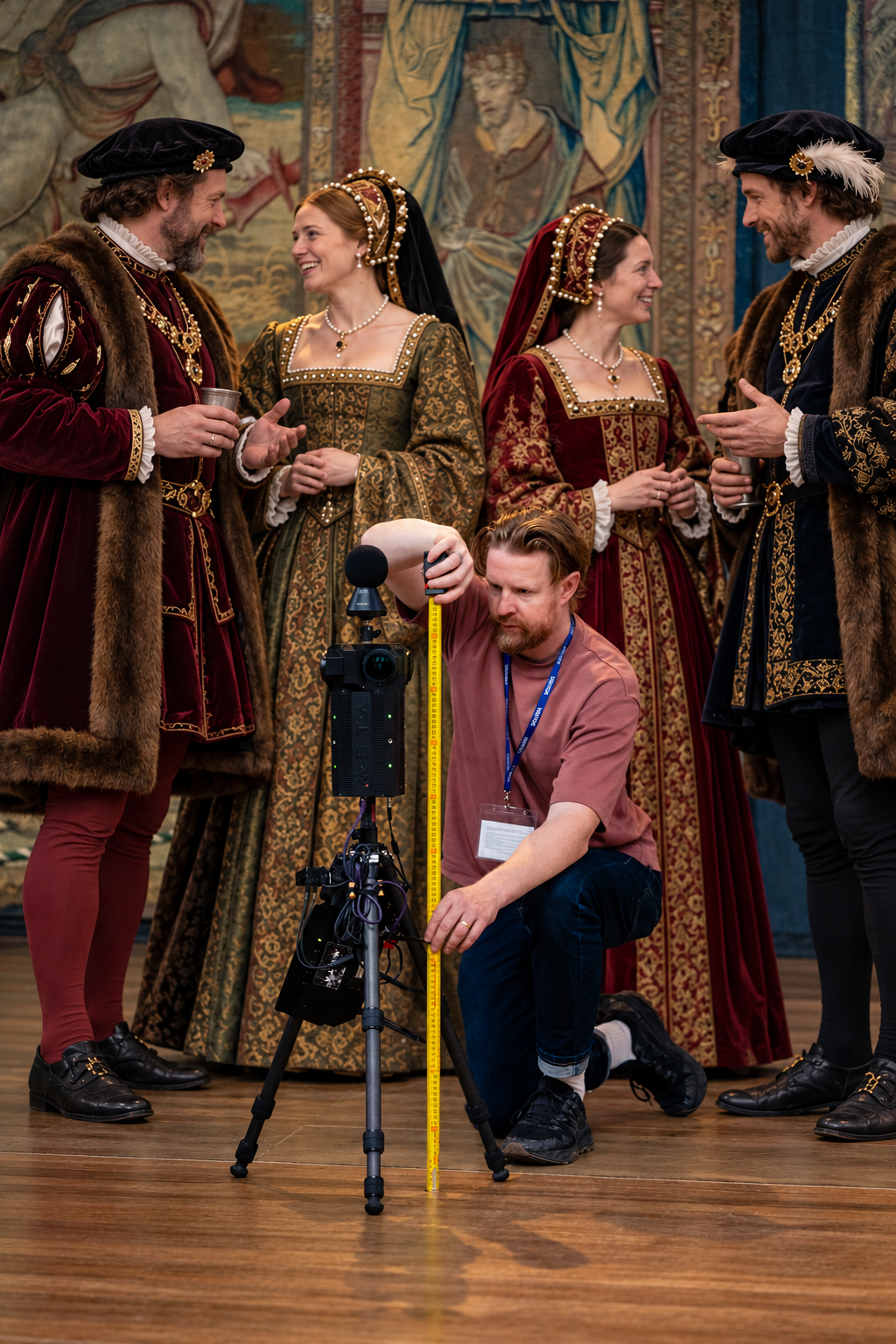
Rooms change it again. A room shows a wide band around the middle of the picture, with little or nothing straight above or below, so the horizon does a lot more of the work and the very top and bottom of the shot matter much less than they would in a headset.
How close people should stand
In a headset, close is good. If a presenter stands near the camera and talks straight down the nearest lens, as if it's someone's head, the viewer feels they're being spoken to. It's a lovely, quite surprising bit of contact, and you don't get it from any other medium. So in headset films, people tend to stand nearer to us than you'd expect.
Now put the same shot on an 8-metre wall. Someone who was a natural distance away in the headset is suddenly a giant, and if the room has an LED floor, their legs stretch out across it towards you. The rough rule for rooms and domes is to keep people at least as far from the lens as the audience will be from the screens.
So when a film's going to both, we shoot it twice. A take for the headset, then the presenter steps back and we go again for the big screen. It costs a few minutes on the day and saves a version that doesn't work. There's more on this from the Qatar shoots in Shooting 360 for a room, not a headset.
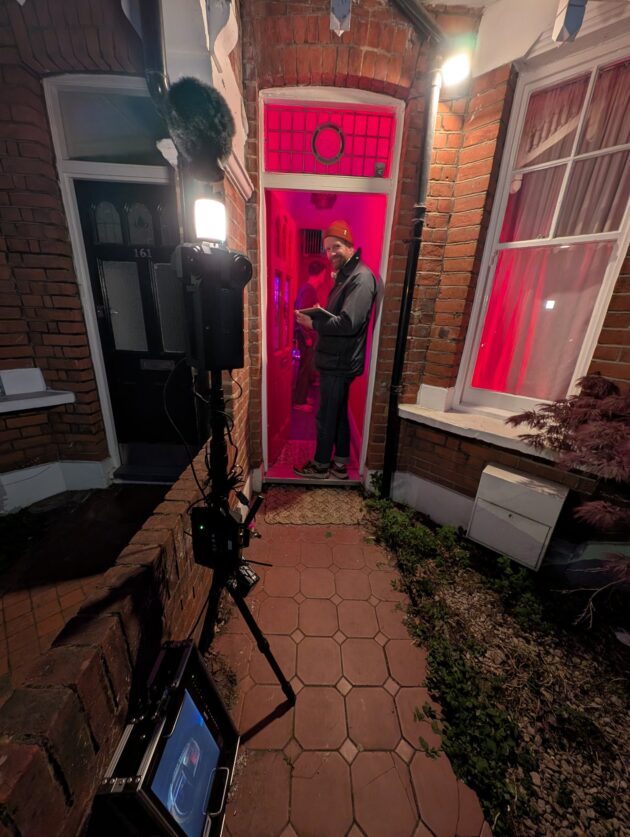
Flat or 3D?
Most 360 cameras shoot mono, which just means flat: one picture, the same for both eyes. That's right for screens, YouTube, projectors and domes, and it often suits headsets too, because a flat picture can be pushed to a much higher resolution.
3D (stereo) gives each eye its own picture, so you get depth. Someone standing in front of you feels properly close, and in a headset it can be really striking. But it's only worth it for headsets, because you can't watch stereo in a room or dome setup.
180 or 360?
Some of the best 3D in VR comes from 180 cameras, which have one lens per eye, left and right. There's no stitching at all, so all the quality goes into the picture in front of you. For the right project, they look fantastic.
The catch is behind you. Everything outside those 180 degrees is black. If the action's all in front, there's an argument that you don't need the back, because most people follow the action and rarely turn round. That's true, and it's a real advantage of 180. But the moment someone does look round and finds black at their sides and behind them, the illusion's gone. For some films that matters a lot, for others hardly at all. When a project calls for 180, we use Blackmagic's 180 camera - more in 360 cameras and drones.
Shooting once for several screens
Our work in Qatar shows how it fits together. Over five years we filmed Qatar for VR headsets that the Ministry of Culture, Tourism and Sport took round the world, and then for Visit Qatar's walk-in LED stands at World Travel Market and Arabian Travel Market. We shot at 12.5K on the Meta Three, which is a lot more than a headset needs and about right for screens several metres high.
Before each stand was built, we made a VR version of it from its 3D model and watched the films in a headset from inside the virtual stand, to check scale and framing while there was still time to change things. The 2022 stand won Best Stand Feature at WTM London.
FAQs
Can one 360 film work in a headset and an immersive room?
Usually, if it's planned that way from the start. Camera height, framing and how close people stand all need thinking about for both, and key moments sometimes get shot twice.
What resolution do we need for an LED room or a dome?
It depends on the venue's screens, and we'll work it out with them. For big rooms we shoot at 12.5K on the Meta Three, so there's detail to spare.
Is 3D worth it?
For headset-only films with people close to the camera, it can be. For screens, rooms and YouTube, it isn't.
Can you make 360 content for a particular venue?
Yes. We plan the shoot around that venue's screens and, where we can, check the film in a headset inside a 3D copy of the space before anything's built.
Should we choose 180 or 360?
180 gives beautiful 3D in front of you but black behind. 360 keeps the whole world around the viewer. If people will look around, or the film's going into a room or dome, 360 is the safer choice.
Get in touch
Making a film for a room, a dome or a headset?
Have a look at domes, LED and immersive rooms and 360 video production, or tell us about the venue.